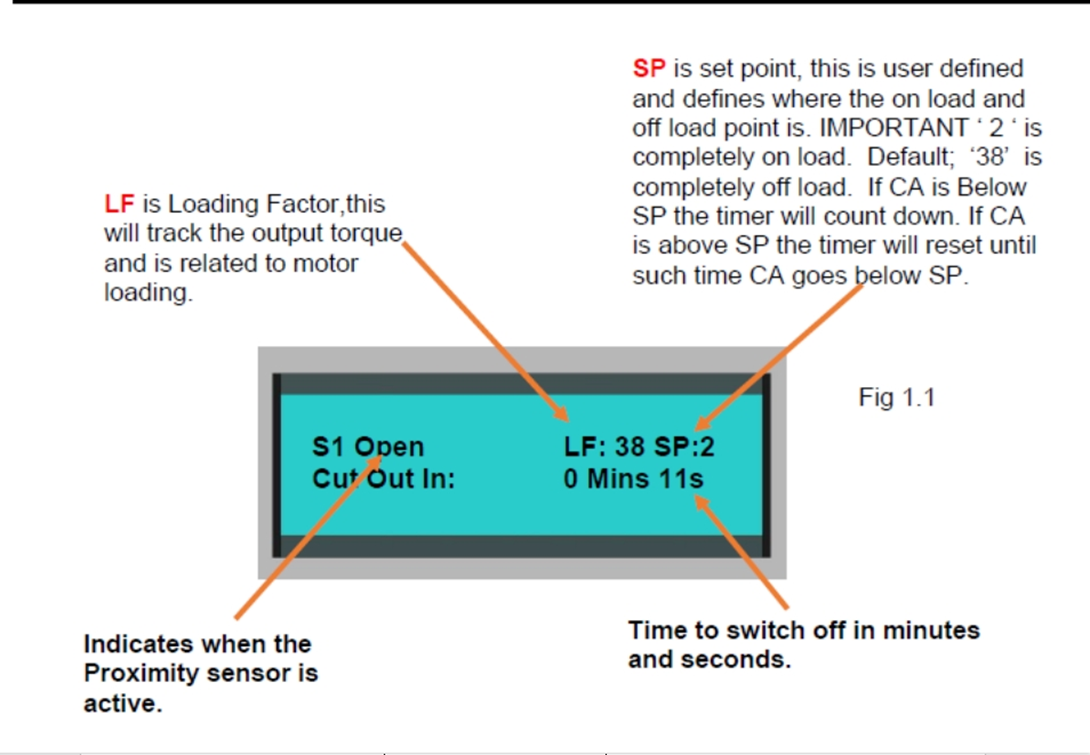
1. Power supply setting
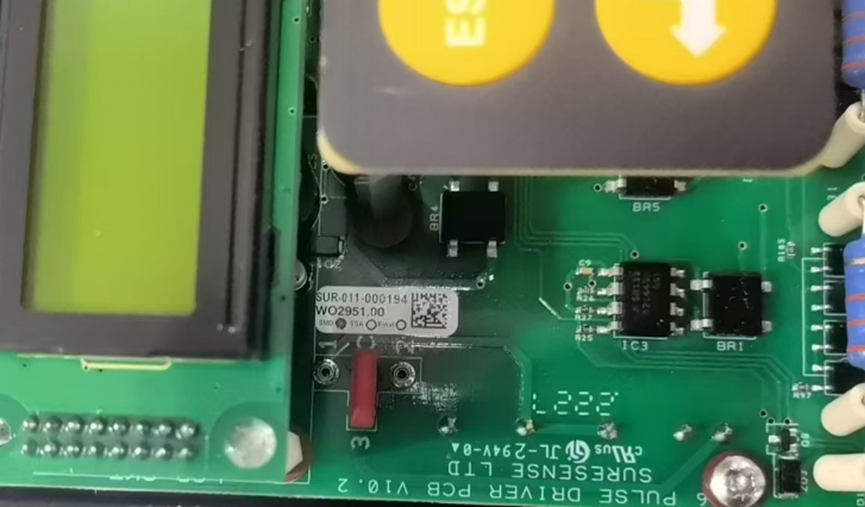
Units rated at 440-480V, link terminal C to terminal 3
2. Frequency selection
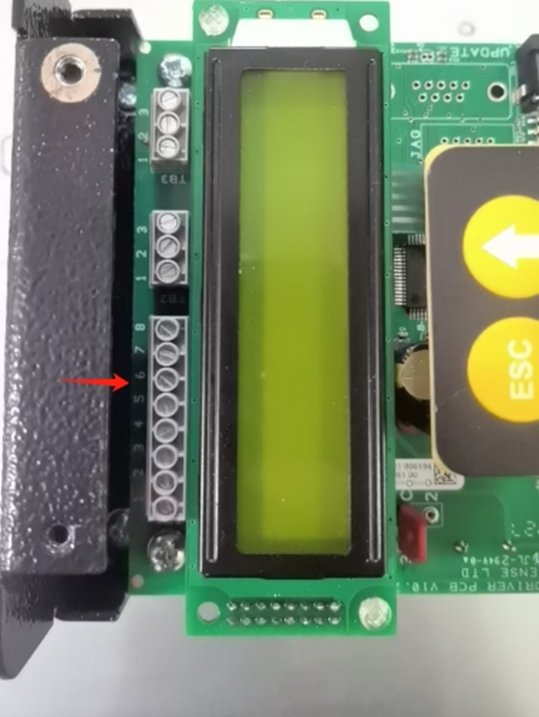
Frequency can be selected on terminals 5 & 6 on TB1, It’s 60Hz after connection.
3. Parameter setting route
Reset the machine (system reset), the motor controller is powered on.
| Awaiting Start |
 |
| Password Main |
Enter |
| Main Menu |
Enter |
| Parameter Menu |
Enter |
| Parameter Menu |
Enter |
| Intelligent Control |
Enter |
| Proximity Sensor |
Select On and Enter |
| Proximity Sensor |
EnterAuto stop time delay without load, now is 1.5Min(Left motor) |
| Proximity Sensor |
Enter Load current setting, now is 40(Left motor), need to adjust it on sitePress ESC and Up/Down to go back to this menu |
| Return to |
| Press Enter to save the Changes |